

For File Move

4Fimo® is an app that lets you wirelessly connect your phone directly to your computer so you can send and retrieve files from anywhere, without relying on commercial cloud services or compromising your privacy through surveillance.

4Fimo also features an extremely secure instant messenger, with messages permanently removed within hours to enhance privacy.

In addition, users can capture photos and videos in real time and send them directly to remote computers or to other users for sharing. These photos and videos never remain on the originating user’s device, and no trace is left behind. To provide maximum privacy and security, all shared photos and videos are also delivered without metadata on the receiving end. It is free to try Sign Up Now

4Fimo®

4Fimo means file movement. It lets you wirelessly connect your phone directly to your computer from anywhere, making it easy to send and retrieve files and share them with other computers or devices.

No Cloud

Your files are stored only on your devices.

4Fimo Videos

Watch these short videos to learn about 4Fimo® main features.

Overview

Overview

Send

Retrieve

Share

Narrator

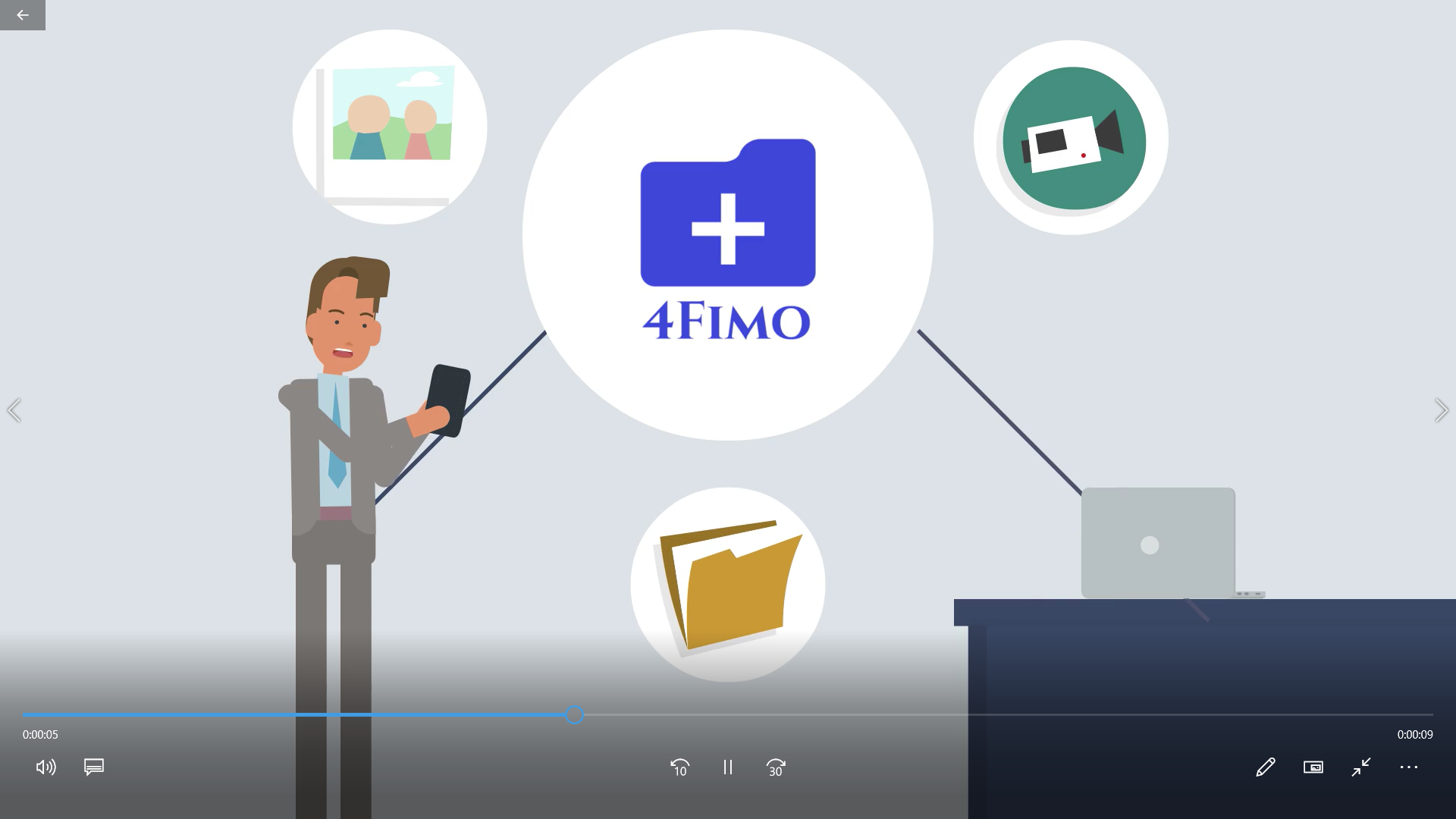
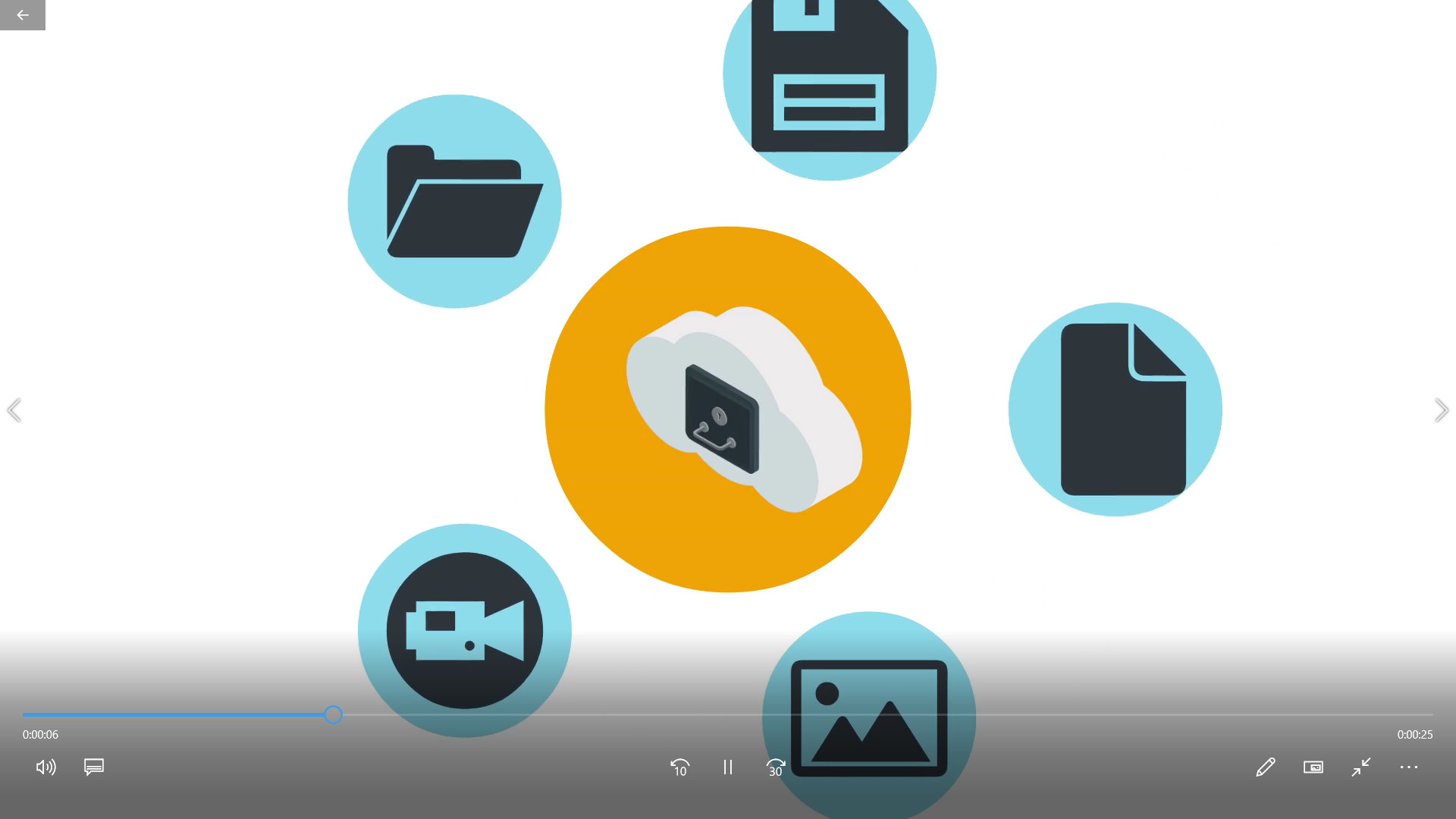
Pictures, videos and documents exist only on your devices

Main Features

Private, secure, and instant

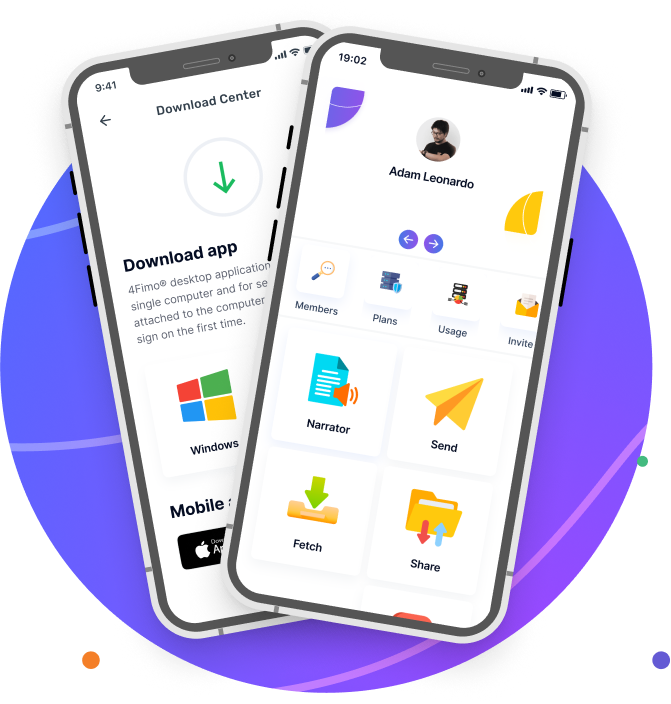
Send

Directly send images, videos and documents to your computer.

Fetch

Directly retrieve images, videos and documents from your computer.

Share

Very powerful, direct, secure files sharing from any device to any device.

Narrator

Narrate documents using natural voices.

Media

Automatically converts and plays major video and audio files.

Messenger

Secure and encrypted instant text messenger.

Full Data Protection

Private, secure, and instant

No Surveillance

Protected from surveillance. No cloud services store copies of your files. Files exist only on your devices.

Encrypted

Data is encrypted using industry standards, and multiple layers of encryption are applied to sensitive data in storage.

Private

No intermediate services store copies of your data during transmission or communication.

Access remote files using Explorer, Search and My List

4Fimo® protects your files from surveillance and unlawful access that can occur in the cloud, on mail servers, or through intermediate services that may retain copies of your files. Your files exist only on your devices.

Retrieving data with
4FIMO

Search

Lookup files on your remote computer using a keyword or pattern.

MyList

Pre-defined list of files you create on your remote machine.

Explorer

Access a tree view of your remote files.

Made to secure and protect your files

4Fimo® protects your files from surveillance and unlawful access that can occur in the cloud, on mail servers, or through intermediate services that may retain copies of your files. Your files exist only on your devices.

Frequently asked questions

What is 4Fimo?

4Fimo® Allows members to use web-enabled devices and phones to directly send and receive images, videos, documents, and other media to and from their personal computers, while also sharing files with other members without using the cloud across any device.

What Is the Maximum Size Allowed?

4Fimo® allows members to send and share up to 200 files with a maximum size of 19.5 GiB per Send request.

Is 4Fimo Secure?

4Fimo® was built with a security-first model designed to protect members even if an unauthorized party gains access to a user’s login credentials. In the event of unauthorized account access, that access is limited to sending files only. Retrieving data requires a secondary passcode, which members create within the 4Fimo® desktop application. The desktop application also includes additional identity verification measures and cannot be impersonated by another user, even if the user’s username and password are compromised. 4Fimo® uses secure network connections (SSL) to deliver all content, and all communications are encrypted using industry-standard protocols. To further protect members against unauthorized actions or access attempts, 4Fimo® uses advanced device identification stored both on the desktop application and within the 4Fimo® system. In addition to username and password authentication, 4Fimo® does not allow file communication with a user’s desktop if device identification fails. All 4Fimo® servers and stored data are encrypted by default and hosted on Amazon Cloud. In addition, the software is created, developed, managed, and maintained in the United States, and that will always remain the case.

Are my files saved anywhere?

4Fimo® is not a storage platform or cloud drive system. It is designed to do the opposite. 4Fimo® moves files in real time only. Files exist only during transmission and, when pulled from remote computers, may be held in a temporary secure location for up to 60 minutes to give members time to download them. Members may also delete these files before that period ends. For security reasons, signing out automatically clears fetched files. Sent files exist only during transmission and are never stored in any location or channel once the transfer is complete. In the event of a system error, files in transit are deleted instantly from 4Fimo®.

Search feature is not working

When you first start the desktop application, please allow a few minutes for the search feature to finish setting up. Then, check under Settings and make sure you add directories to the Externally Accessible Folders list. By default, this list is empty, and only received items are accessible to remote devices.

How much usage allowed?

Free to use 10 MiB a day. In addition, you may choose from our subscription-based plans—Basic, Professional, or Premium—based on your daily needs.